- Only your unitsYou see the units your teacher has assigned to you.
- Lessons and revision sheetsOpen your lesson notes and revision sheets on a computer or a phone, wherever you are.
- How confident are you?Rate each unit and press Help me when you are stuck. Your teacher sees it and can help.
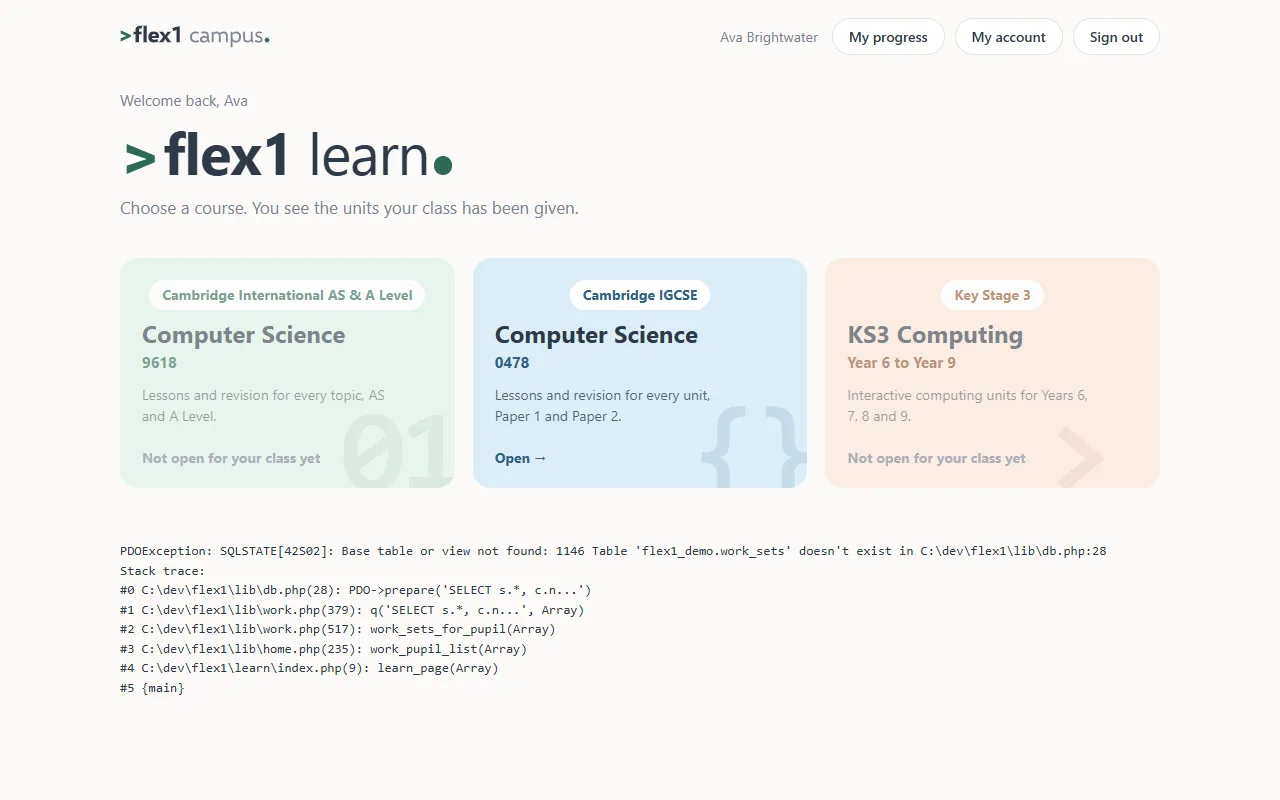
Only what your class is studying
Sign in and your courses are waiting. You see the units your teacher has opened for your class, nothing more, so you always know where to look.
- A card for each course your classes take
- Topics fold open, with a search box and Paper 1 and Paper 2 tabs
- Course resources at the top: the syllabus, the pseudocode guide and cheat sheets
- The same pages on a computer, a tablet or a phone
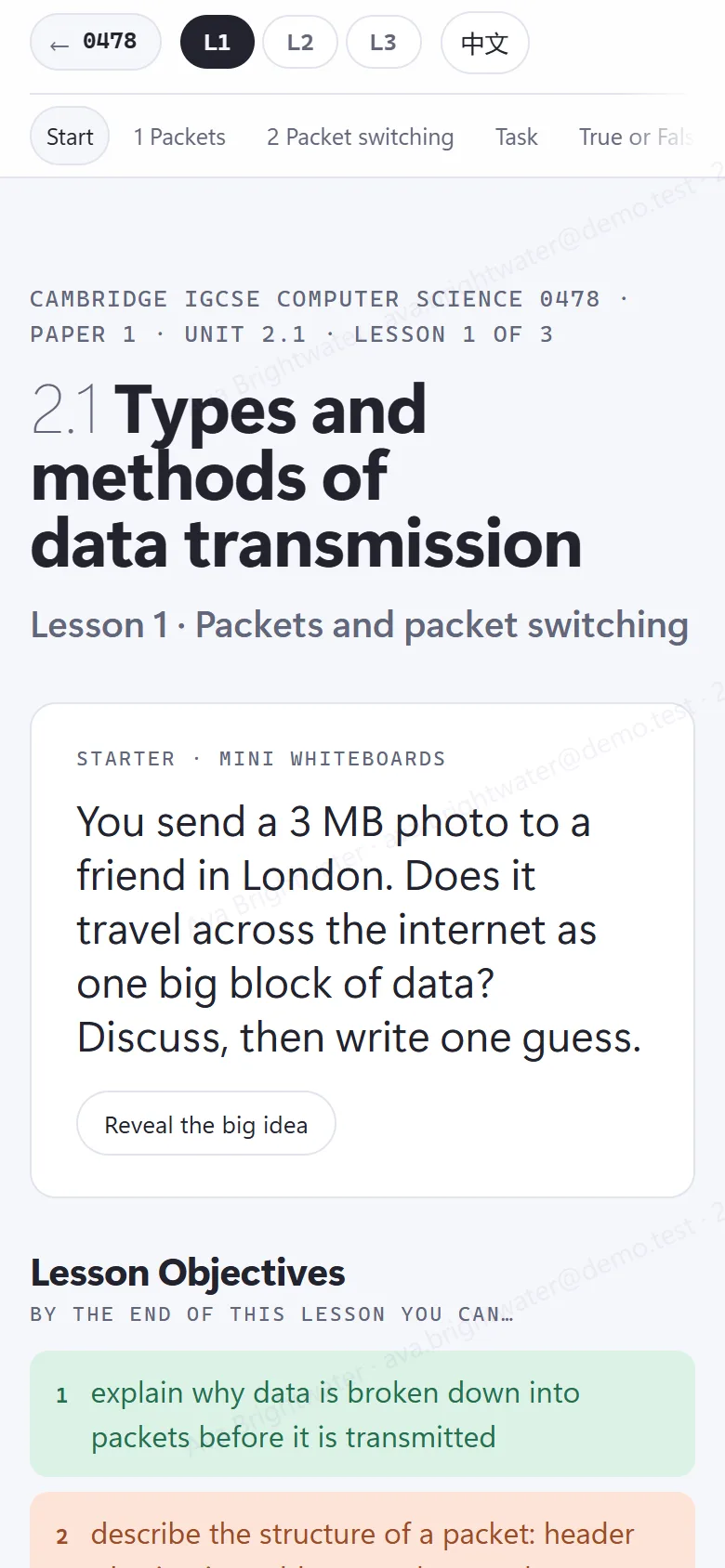
The lesson from class, whenever you need it
Open the same interactive lesson your teacher used in class and jump to any part with L1, L2 and so on. Every unit has a revision sheet too. Your name is shown faintly on each page, because the lessons are for Flex1 Campus students only.
- Lesson notes in 50-minute parts
- A revision sheet for every unit, as a web page
- Worksheets and mark schemes once your teacher releases them
- Key words with their Chinese translation, one tap away

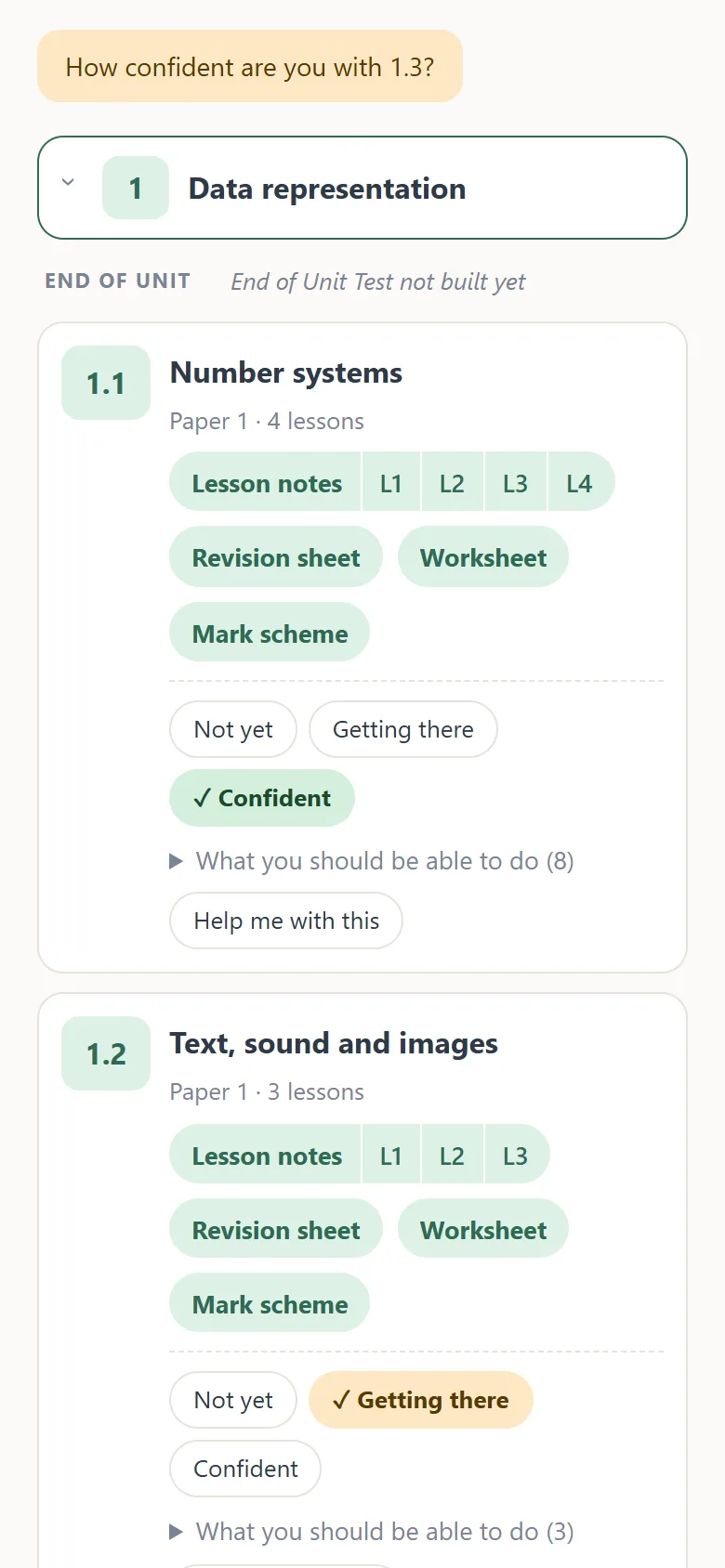
Say how you feel about each unit
Under every unit, choose Not yet, Getting there or Confident. "What you should be able to do" lists the syllabus outcomes, so you can check yourself. When your class has covered a unit you have not rated, a gentle prompt reminds you.
- Three simple ratings for every unit
- Every syllabus learning outcome, as a checklist
- "Help me with this" sends your teacher a short note
- Change a rating any time: every change is kept

See what to revise next
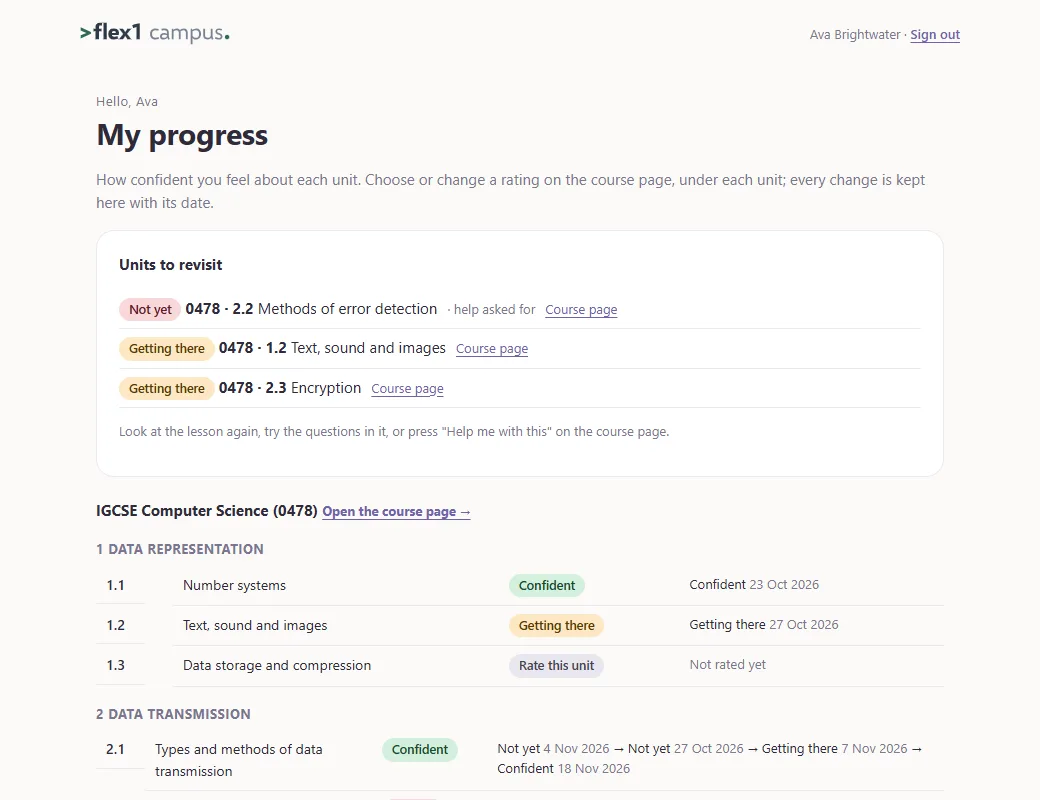
My progress puts the units you rated Not yet or Getting there at the top, each with a link straight to it. Below, every unit shows its rating and how it changed over time, so you can see yourself improve.
- Units to revisit first, with a link to each
- Your rating of every unit, by topic
- The date of every change
- Units you asked for help with are marked
On your phone, on the bus
Every page fits a phone: lessons, revision sheets, ratings and My progress.

Light or dark, your choice
Flex1 Campus is light by default. Prefer dark colours? Choose Dark in My account, or Auto to follow your device; your choice is kept on that device.

Everything in flex1 learn
- One loginOne account for flex1 learn and the rest of Flex1 Campus.
- Only your unitsUnits open when your teacher opens them for your class.
- Lesson notesThe interactive lessons from class, part by part.
- Revision sheetsOne for every unit, as a web page.
- Worksheets and mark schemesAs web pages, when your teacher releases them for your class.
- Course resourcesThe syllabus, the pseudocode guide and cheat sheets in one row.
- SearchFind a topic by a word, such as "check digit".
- Self-ratingNot yet, Getting there or Confident for every unit.
- Learning outcomesEvery syllabus outcome for the unit, as a checklist.
- Help me with thisOne line to your teacher about what you are stuck on.
- My progressWhat to revise next, and how each rating changed.
- Chinese key wordsTap a key word to see it in Chinese.
- KS3 loginsYounger pupils sign in with a username from a printed card, no email needed.
- Light and darkLight by default; choose Dark in My account.
Questions
How do I get an account?
Your teacher adds you to your class, or you create an account with your school email and your teacher approves it. KS3 pupils get a username and password on a printed card.
What does my teacher see?
Your ratings, your help requests and which lessons you opened. The privacy page says exactly what is recorded and for how long.
Why is my name on the lesson pages?
The lessons are for Flex1 Campus students only. Your name appears faintly so that copies are not passed on.
Does it work on my phone?
Yes. Every page fits a phone, and the lessons and revision sheets are scaled to fit.
Your lessons are waiting
Sign in with your school account to see your courses.